Chrome Extension
Chrome Web Store screenshots that make users click install.
Screenshot Framer captures directly from Chrome, adds browser frames and annotations, and exports at exactly 1280×800 — the Chrome Web Store format.
1280×800 export · Browser frames · Free · No account required
What you get
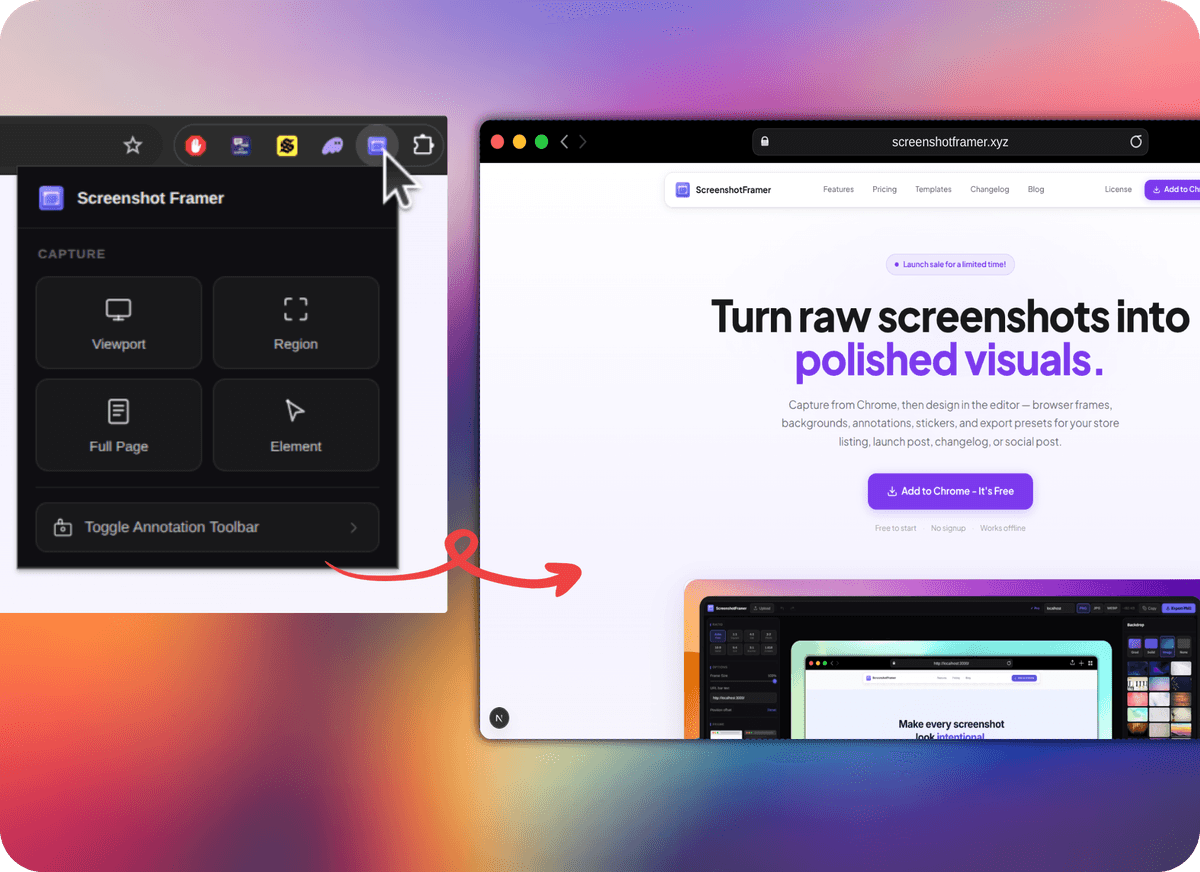
How it works
Capture from any Chrome tab
Click the extension icon or press a shortcut. Grab the visible page, drag a region, or capture a full scrolling page — all without leaving the browser.
Design in the built-in editor
The editor opens automatically. Add browser frames, backgrounds, annotations, arrows, and callouts to turn a raw capture into a polished Chrome Web Store visual.
Export at exactly the right size
Export at 1280×800 — the Chrome Web Store format — with one click. Download as PNG or copy to clipboard. No watermarks, no signup.
Your Chrome Web Store listing starts here.
Free extension. Browser frames included. Export in the right dimensions, every time.
Add to Chrome — FreeFree · No account · Works immediately